Extensions
Curated extensions to boost your development efficiency
Cursor is fully compatible with the VS Code extension ecosystem. Here are some recommended extensions that work perfectly with AI-assisted development.
Code Quality
Prettier
An automatic formatting tool that unifies code style. AI-generated code often doesn’t match your project’s formatting standards—Prettier can format it to a unified style with one click.
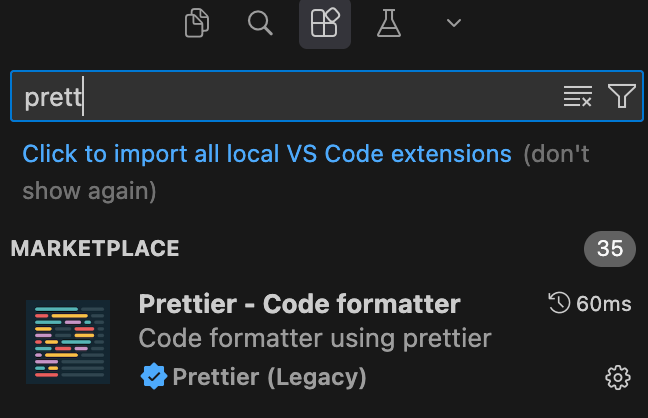
- Set Default Formatter to Prettier
- Enable Format On Save for automatic formatting
- Use
Cmd/Ctrl + Sto automatically format code on save

Documentation Management
Markdown All in One
Enhanced Markdown editing with keyboard shortcuts, table formatting, table of contents generation, and more. Very useful when writing prompts and project documentation.
Markdown Preview Mermaid Support
Enables Mermaid diagram rendering in Markdown preview. AI can generate flowcharts, sequence diagrams, and architecture diagrams using Mermaid syntax—with this extension, you can preview them directly in the editor.
Next Steps
After configuring extensions, learn how to choose the right AI model.